Consolidation Reporting
for QuickBooks & Xero
Consolidate multiple client ledgers into one group and generate standardised, professional consolidated financial statements. Built for accounting firms - export the full bundle as a PDF in seconds.
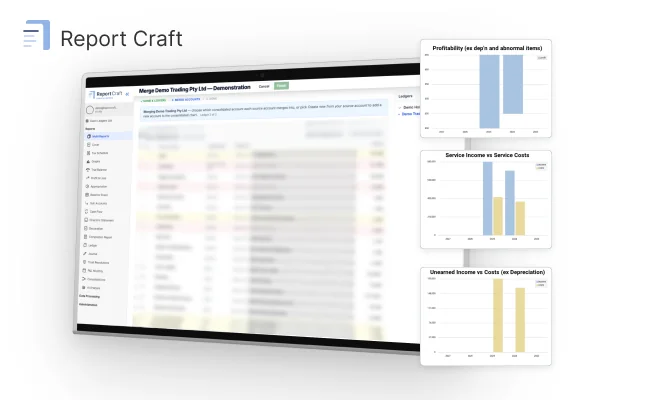
Connect all your clients in three easy steps
1. Connect
Link QuickBooks or Xero
2. Select reports
Choose from 12+ report types
3. Generate PDF
Professional reports in seconds
Consolidated reporting across QuickBooks & Xero ledgers
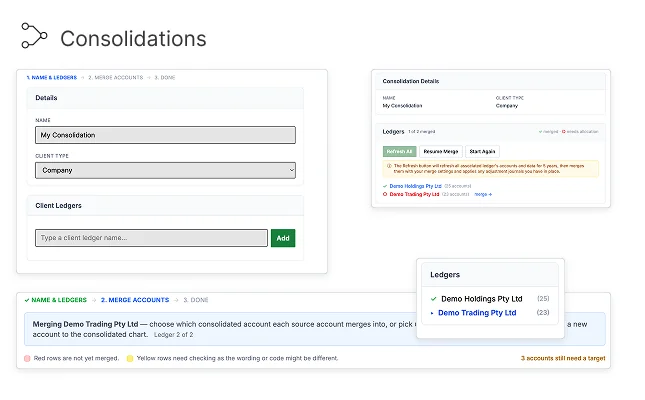
Report Craft is built for consolidation. Combine any number of client ledgers into a single group entity and produce one consolidated set of financial statements - even when some clients are on QuickBooks and others are on Xero.
- Combine unlimited QuickBooks and Xero ledgers into one group
- Map each ledger's accounts to a unified group chart of accounts
- Post consolidation and elimination entries
- Consolidated P&L, balance sheet and trial balance in one PDF
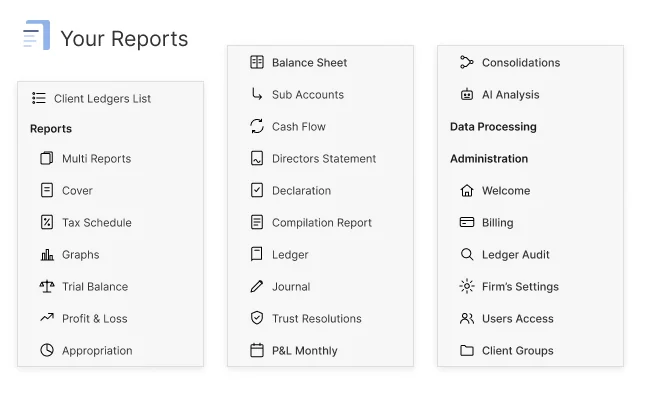
Every report your clients need, in one place
Profit & Loss, Balance Sheet, Trial Balance, Cash Flow, Tax Schedules, Appropriations and more. All formatted to a consistent, professional standard regardless of whether the data comes from QuickBooks or Xero.
- Standardised layout across all accounting packages
- Comparative periods with percentage analysis
- Sub-account drill-down and parent/child grouping
All Your Clients.
One Reporting Standard.
Whether your clients use QuickBooks or Xero, Report Craft normalises the data and produces identical, professional financial reports. No more inconsistent formatting between packages.
QuickBooks Online
Consolidated reporting →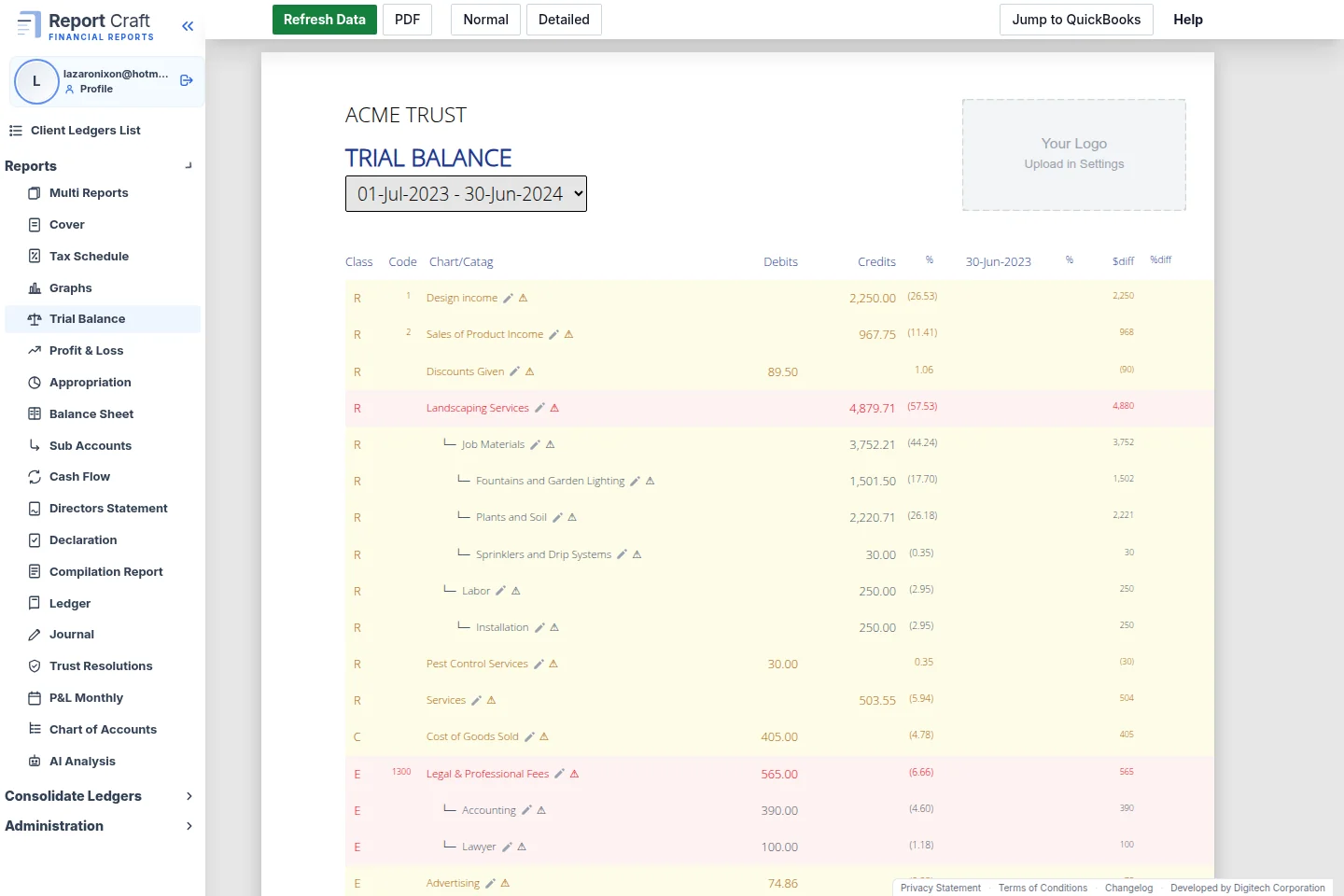
Trial Balance with full account detail
Every account, every debit and credit, laid out clearly with comparative periods. Parent accounts automatically roll up sub-account totals. Sort keys keep everything in your preferred order.
- Debit and credit columns with balancing totals
- Automatic parent/child account hierarchy
- Net movement calculations built in
Bundle everything into one professional PDF
Select the reports you need - front cover, compilation report, declaration, P&L, balance sheet, tax schedule, notes and more - and generate a single, print-ready PDF with page numbers, headers and footers.
- 12+ report types in a single bundled PDF
- Front cover, compilation report, and declaration included
- Automatic headers, footers and page numbering
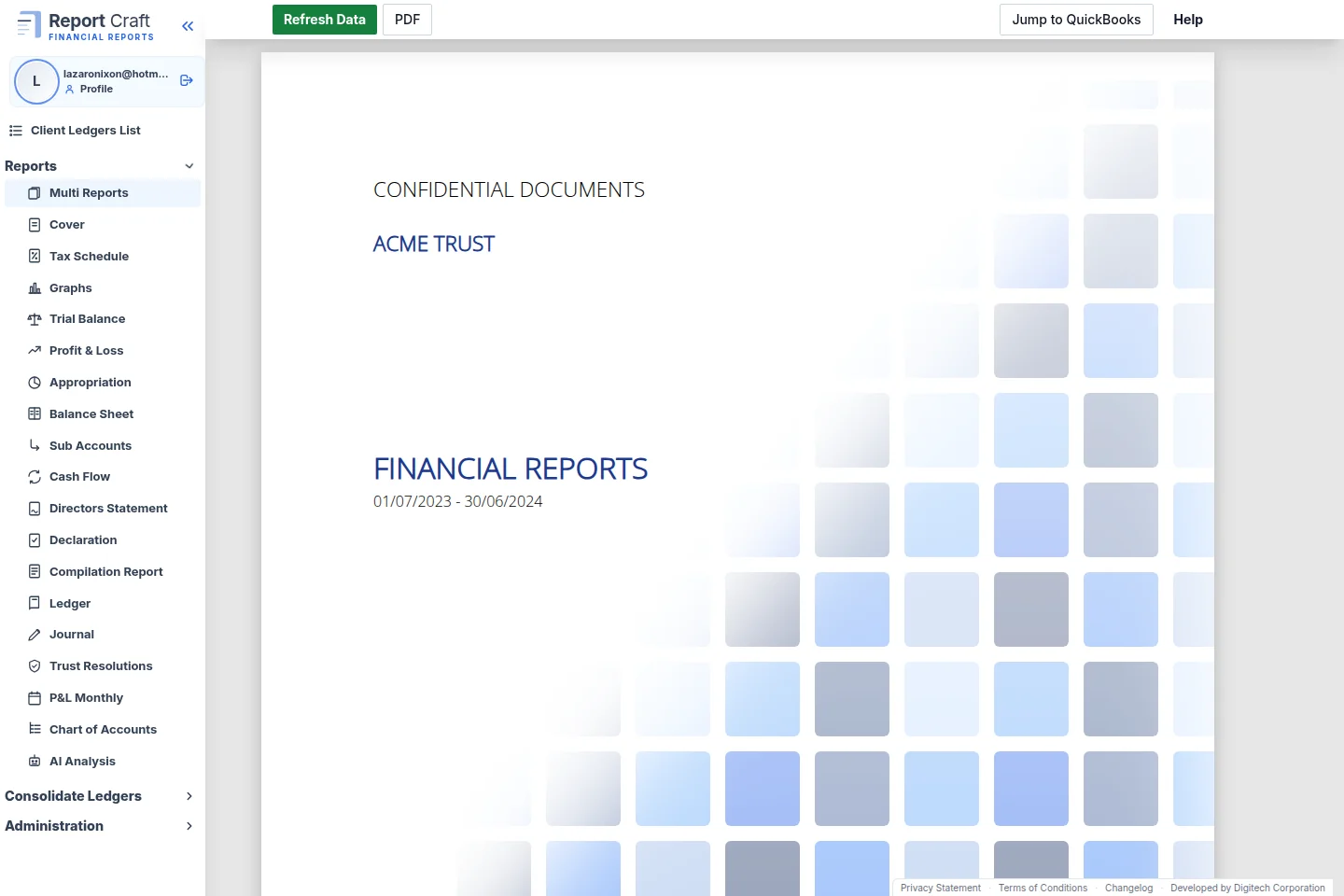
Every report type you need
From front covers to detailed sub-account breakdowns, Report Craft covers the full suite of financial reporting.
Front Cover
Branded cover page with firm logo
Compilation Report
Professional compilation letter
Declaration
Trustee or director declaration
Profit & Loss
Income and expense statement
Balance Sheet
Assets, liabilities and equity
Appropriation
Income distribution statement
Tax Schedule
Federal taxation schedule
Trial Balance
Full debit/credit listing
Cash Flow
Cash movement analysis
Sub Accounts
Detailed account breakdown
Notes
Notes to the financial statements
Comments
Customisable commentary
Pay per client ledger
Start from just $8/month. The more clients you connect, the less you pay per ledger - so your costs scale gently as your firm grows. All report types and both integrations are included on every plan.
Per-ledger rates
Graduated bands - each ledger is billed at the rate for its band.
| Client ledgers | Price per ledger |
|---|---|
| 1 - 10 | $8.00 |
| 11 - 30 | $4.50 |
| 31 - 75 | $3.00 |
| 76 - 150 | $2.00 |
| 151+ | $1.00 |
What firms pay
Your effective rate per ledger keeps falling as you grow.
| Ledgers | Per month | Per ledger |
|---|---|---|
| 10 | $80 | $8.00 |
| 30 | $170 | $5.67 |
| 50 | $230 | $4.60 |
| 100 | $355 | $3.55 |
| 200 | $505 | $2.53 |
Large or multi-entity firm? Talk to us about volume pricing.
Frequently Asked Questions
Can I consolidate multiple QuickBooks and Xero ledgers?
How do consolidation adjustments and eliminations work?
Which accounting packages are supported?
How does the data sync work?
Can I customise the reports?
How is the PDF generated?
Is my data secure?
Stop wrestling with report formatting.
Connect your clients, select your reports, and generate professional PDFs - all in one place.